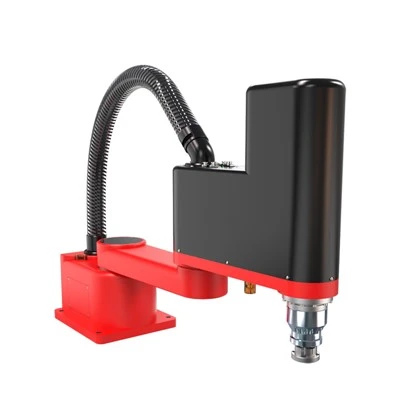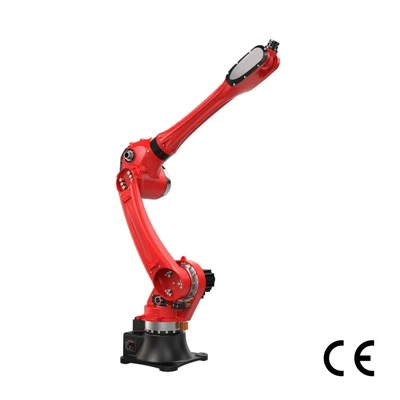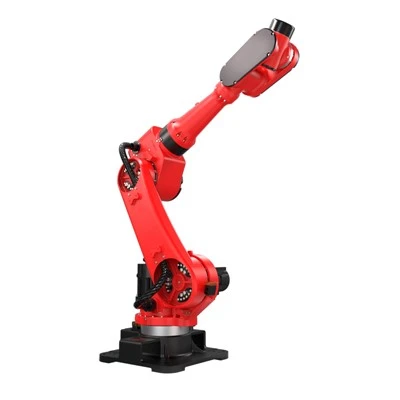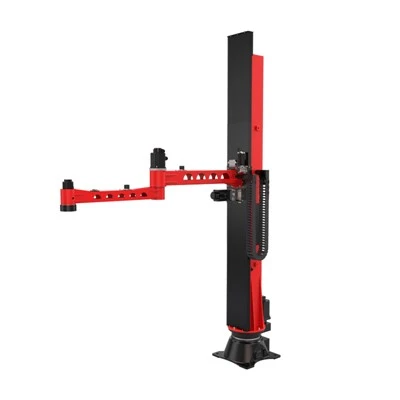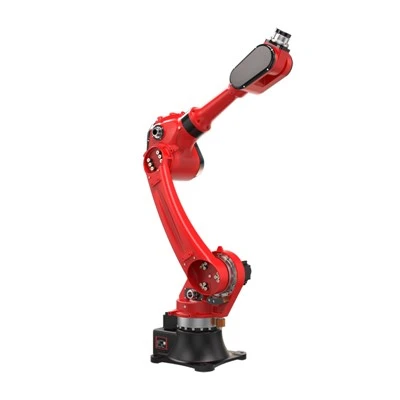


As a reputable supplier of CNC Loading Robots, I'm often asked about the communication interfaces that these advanced machines use. In this blog post, I'll delve into the various communication interfaces of a CNC Loading Robot, explaining their functions, benefits, and how they contribute to the overall efficiency and performance of the robot.
Ethernet Interface
The Ethernet interface is one of the most commonly used communication interfaces in modern CNC Loading Robots. It provides a high - speed and reliable connection, allowing the robot to communicate seamlessly with other devices on the network, such as industrial PCs, PLCs (Programmable Logic Controllers), and other automation equipment.
The Ethernet interface enables fast data transfer, which is crucial for real - time control of the robot. For example, when the CNC machine needs to send a new job instruction to the loading robot, the Ethernet connection ensures that the data is transmitted quickly. This is essential for maintaining high productivity levels, as any delay in data transfer can result in longer cycle times and reduced efficiency.
Moreover, Ethernet is highly scalable and compatible with a wide range of industrial protocols. Protocols like Ethernet/IP (Industrial Protocol) are widely used in manufacturing environments. Ethernet/IP allows devices from different manufacturers to communicate with each other, making it easier to integrate the CNC Loading Robot into an existing industrial network. For instance, if a factory already has a network of devices using Ethernet/IP, the CNC Loading Robot can be added to the network without significant re - engineering.
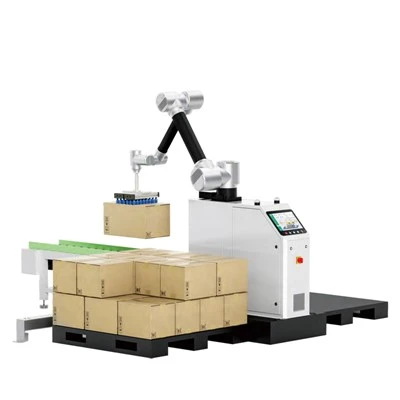
You can learn more about industrial robots like the ones we offer, such as the Machine Tending Robot, which may use this Ethernet interface for seamless integration in a factory setup.
USB Interface
The Universal Serial Bus (USB) interface is another important communication interface in CNC Loading Robots. USB is known for its simplicity and universality. It is easy to use and allows for quick connection of external devices to the robot controller.
One of the main uses of the USB interface is for data storage and transfer. For example, you can use a USB flash drive to transfer program files, calibration data, or configuration settings to and from the robot controller. This is very convenient for programming and maintenance purposes. If an operator needs to update the robot's program, they can simply copy the new program from their computer to a USB flash drive and then plug it into the robot's USB port.
In addition, USB can be used to connect peripheral devices such as keyboards, mice, and touchscreens. These devices can be used to operate the robot more conveniently, especially during the programming and testing phases. For example, a technician can use a USB - connected keyboard and mouse to input commands and access the robot's control system directly. Our Loading and Unloading Robot may also incorporate USB interfaces to provide such user - friendly features.
RS - 232 and RS - 485 Interfaces
The RS - 232 and RS - 485 interfaces are relatively older but still widely used communication interfaces in the field of industrial automation, including CNC Loading Robots.
The RS - 232 interface is a serial communication protocol that is used for short - distance communication between devices. It is a simple and reliable interface that is often used for connecting the robot controller to other devices such as sensors, encoders, or legacy equipment. For example, a temperature sensor can be connected to the robot controller via an RS - 232 interface to monitor the working temperature of the robot.
The RS - 485 interface, on the other hand, is designed for longer - distance communication and can support multiple devices on the same network. It is more suitable for industrial environments where devices are spread over a larger area. For instance, in a large factory, multiple sensors and actuators can be connected to the CNC Loading Robot's controller via an RS - 485 network. This allows for centralized control and monitoring of all the connected devices. Our CNC Machine Tending Robot may utilize these interfaces to communicate with various on - site devices.
Fieldbus Interfaces
Fieldbus interfaces are a group of communication protocols that are specifically designed for industrial automation applications. They provide a way to connect multiple field devices, such as sensors, actuators, and controllers, in a reliable and efficient manner.
Common fieldbus protocols used in CNC Loading Robots include Profibus, DeviceNet, and CANopen. Profibus is a widely used fieldbus protocol in Europe and is known for its high - speed data transfer and large network capacity. It allows for real - time communication between the robot controller and other devices in the manufacturing cell. DeviceNet is a popular protocol in North America and is relatively easy to install and configure. It is often used for connecting simple devices such as limit switches and proximity sensors. CANopen is a lightweight fieldbus protocol that is suitable for small - to - medium - sized automation systems. It is known for its simplicity and low cost.
Fieldbus interfaces enable the integration of different types of devices into a single network, which simplifies the wiring and control of the overall system. This leads to reduced installation costs and improved reliability. If you're interested in a CNC Loading Robot that can be efficiently integrated into a fieldbus - based network, our products might be the right choice for you.
Wireless Interfaces
With the advancement of wireless technology, wireless interfaces are becoming more and more popular in CNC Loading Robots. Wireless interfaces such as Wi - Fi and Bluetooth offer several advantages.
Wi - Fi allows the robot to communicate with other devices on the network without the need for physical cables. This provides greater flexibility in the layout of the manufacturing floor. For example, the robot can be easily moved to different locations without having to worry about cable connections. Additionally, Wi - Fi can be used for remote monitoring and control of the robot. Operators can access the robot's control system from a remote location using a Wi - Fi connected device, such as a tablet or a smartphone.
Bluetooth is another wireless interface that is commonly used in CNC Loading Robots. It is mainly used for short - range communication between the robot and other nearby devices. For example, a handheld device can be paired with the robot via Bluetooth to perform simple tasks such as programming and diagnostics.
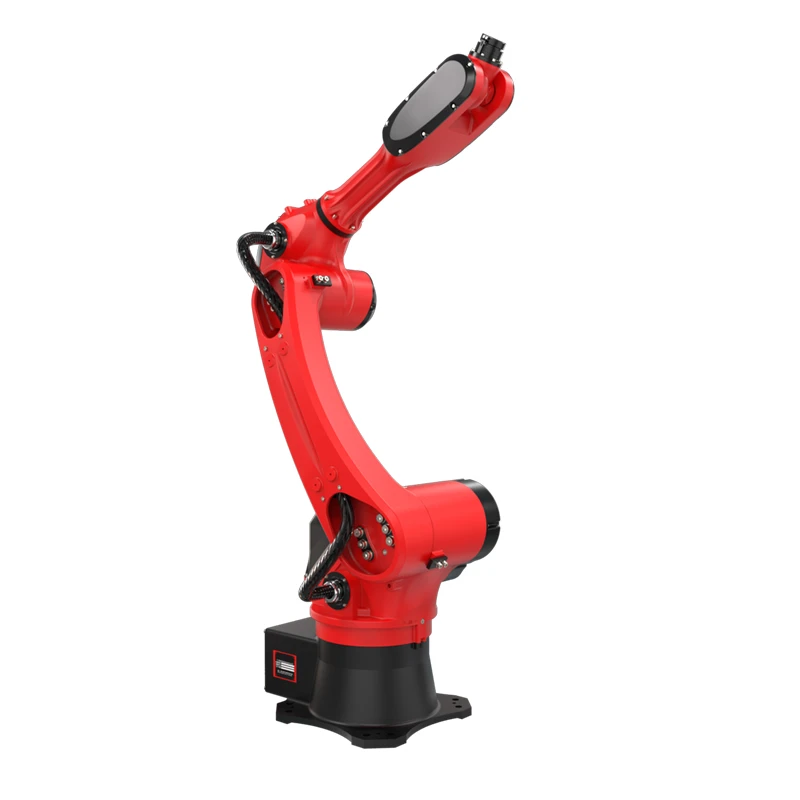
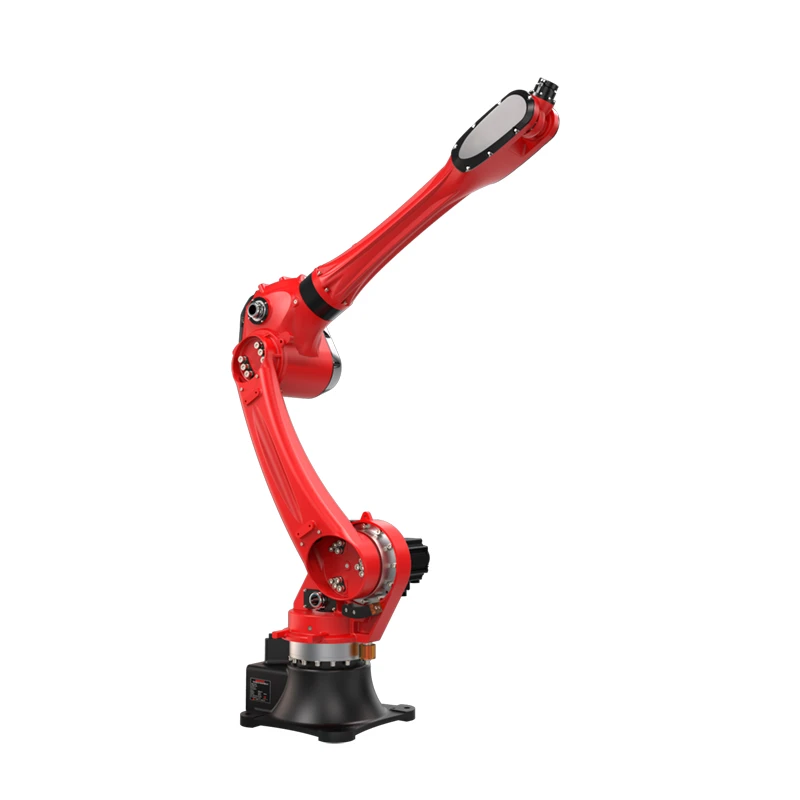
Advantages of a Variety of Communication Interfaces
The availability of multiple communication interfaces in a CNC Loading Robot offers several advantages. Firstly, it provides flexibility. Different manufacturing environments may require different types of communication interfaces. By having a variety of interfaces, the robot can be easily integrated into different production systems, whether they are based on Ethernet, fieldbus, or wireless technologies.
Secondly, it enhances the interoperability of the robot. As mentioned earlier, different protocols and interfaces allow the robot to communicate with a wide range of devices from different manufacturers. This makes it easier to build a comprehensive automation system that includes various components.
Finally, it provides future - proofing. As technology evolves, new communication standards and protocols may emerge. A CNC Loading Robot with multiple interfaces can be more easily upgraded to support these new technologies, ensuring that the robot remains relevant and competitive in the long run. Our CNC Tending Robot is designed with these considerations in mind.
Contact for Purchase and Discussion
If you are interested in learning more about the communication interfaces of our CNC Loading Robots or are considering purchasing one for your manufacturing facility, we encourage you to reach out. Understanding how these communication interfaces work and how they can benefit your production process is crucial for making an informed decision. Our team of experts is ready to provide you with detailed information, answer your questions, and assist you in finding the best solution for your specific needs.
References
- "Industrial Communication Networks: A Comprehensive Guide" by Peter Lang.
- "Automation Technology Handbook" edited by various industry experts.